Image to 3D Model
Bring in a sketch, product photo, or visual reference and use it as the starting point for a detailed asset.
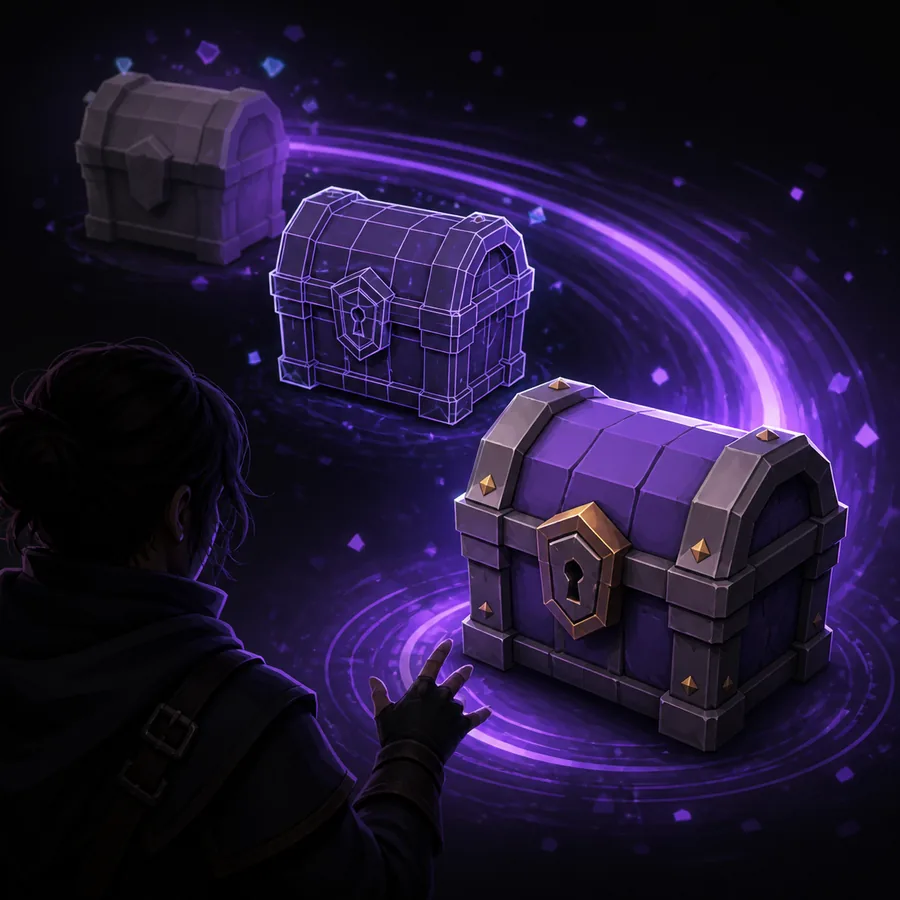
Hyper3D turns a clear idea, a useful reference, or a short description into a practical 3D starting point. Explore the workflow below and see how creators move from concept to editable asset.
Start with a text prompt or a reference image, then refine the direction with practical controls. Hyper3D is designed to make the first useful model feel close at hand.

Bring in a sketch, product photo, or visual reference and use it as the starting point for a detailed asset.
Describe the object, materials, and style you want to explore without needing a long modeling setup.
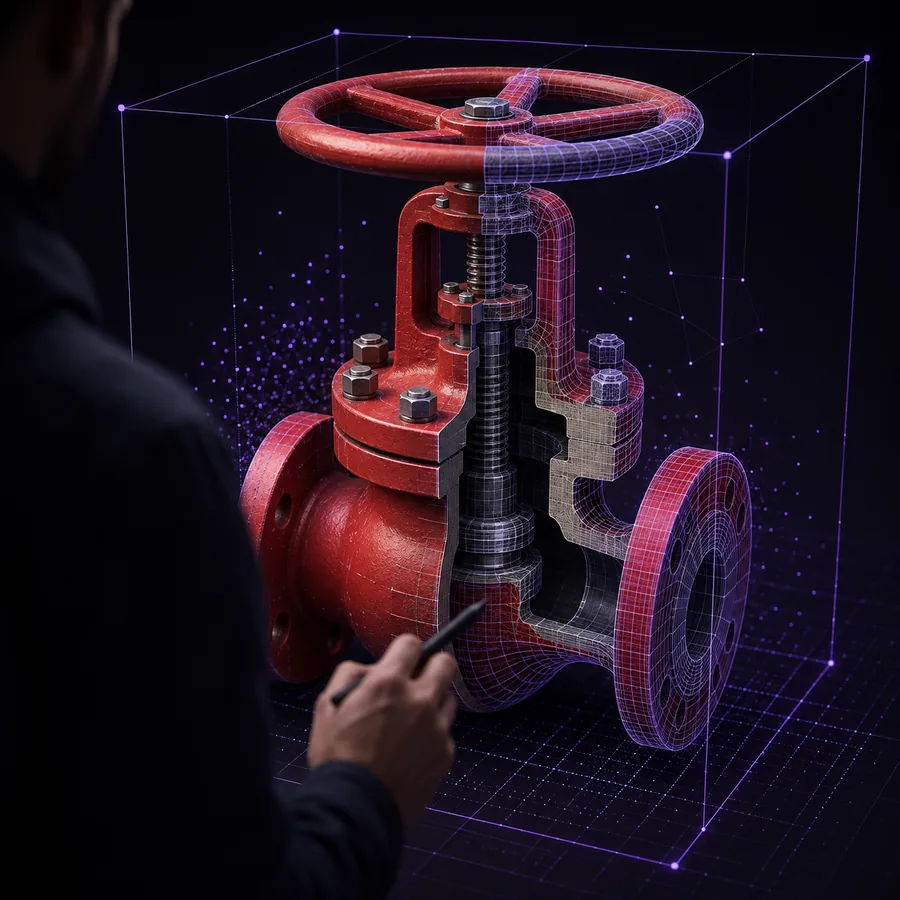
Move beyond the first mesh with texture, editing, and low-poly directions suited to a broader pipeline.
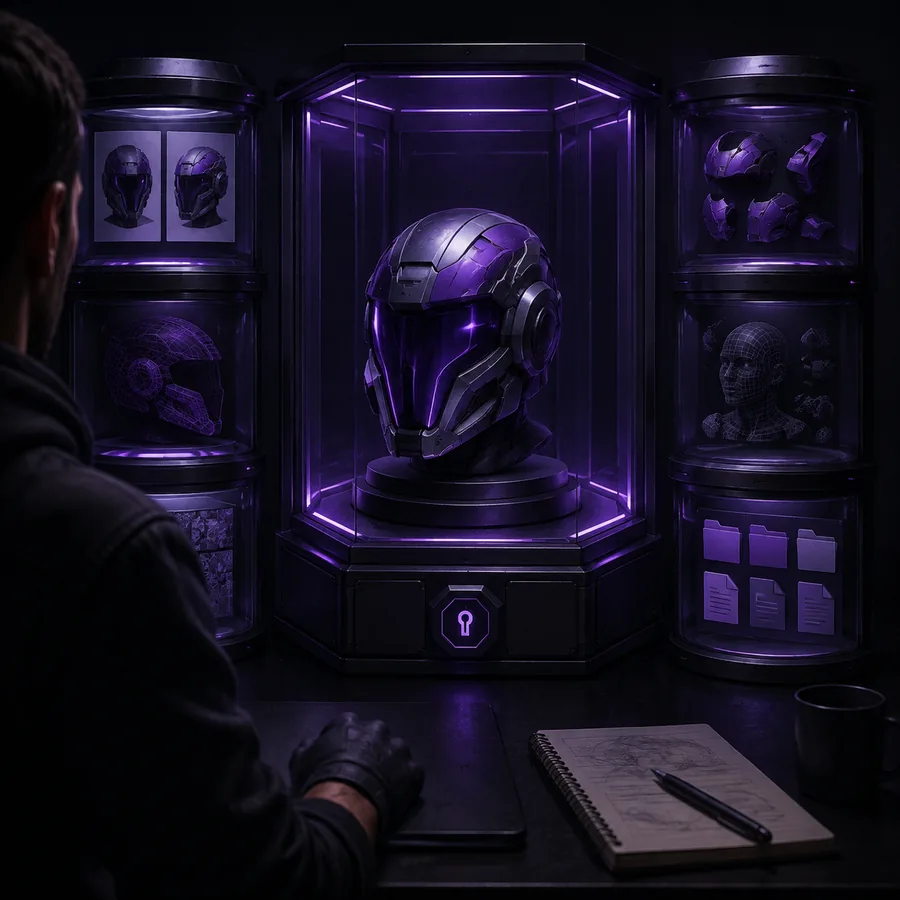
Shape the next version of an asset with focused edits, spatial guidance, texture direction, and cleaner low-poly alternatives.
Explore different directions without losing the visual idea that made the asset useful.
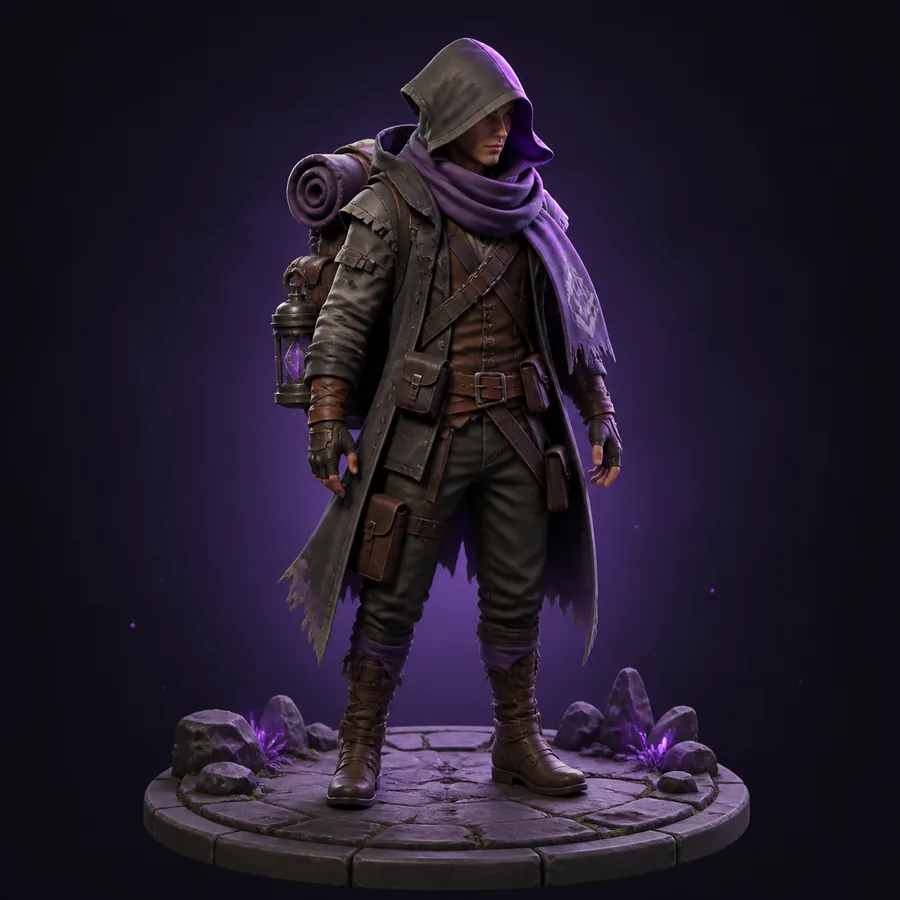
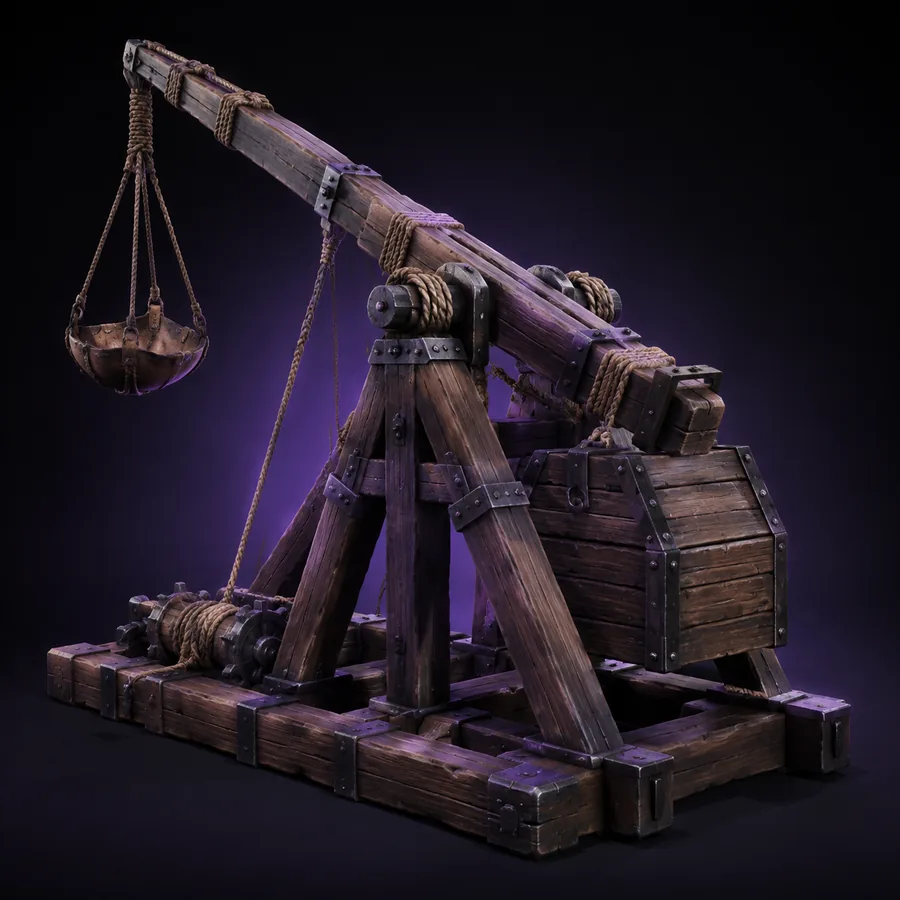


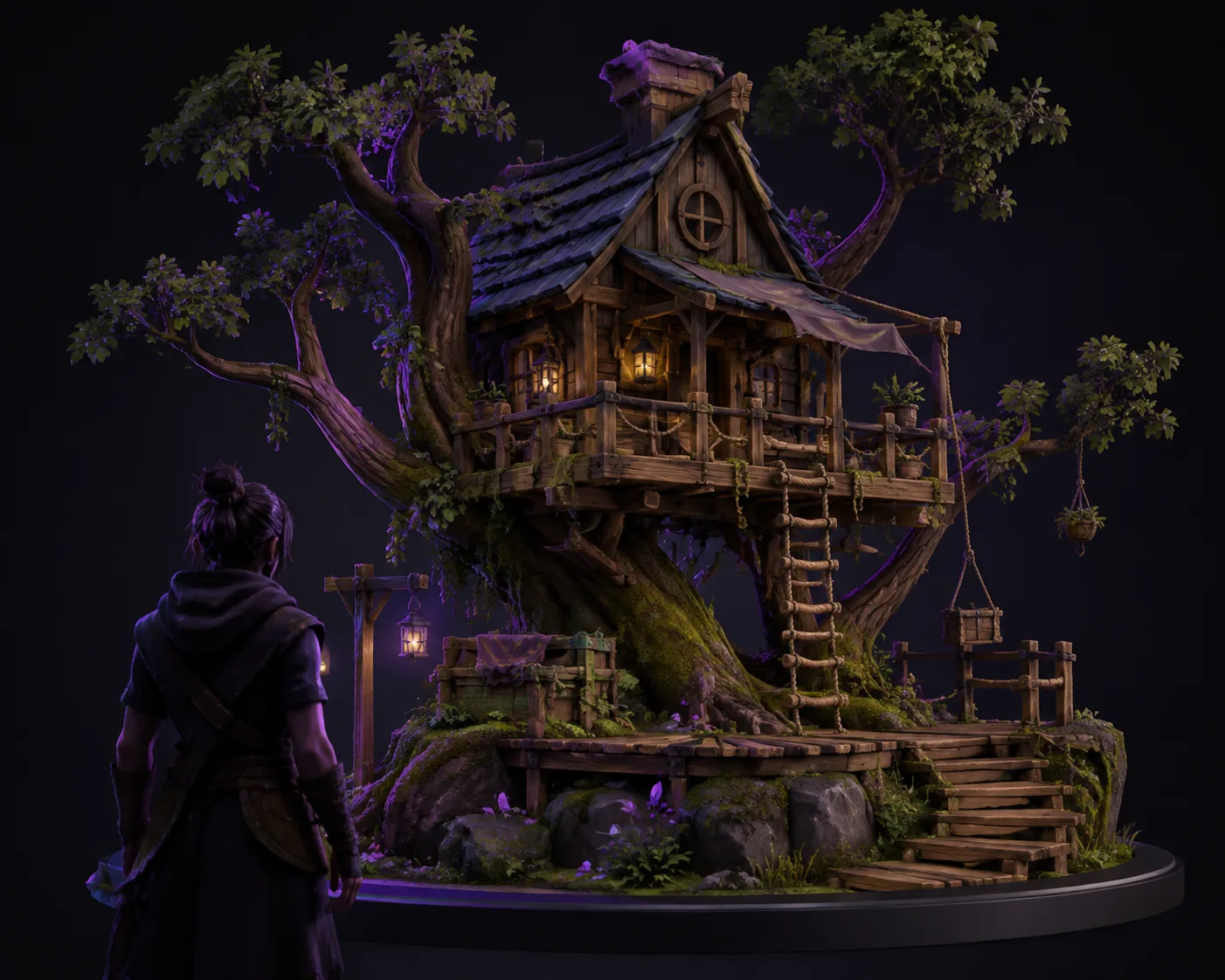
Use controlled variations to compare silhouettes, parts, and finish.
BANG
Change selected regions while keeping the rest of the model intact.
Use spatial references to guide placement, volume, and structure.
Compare several directions before committing to the one that works.

A short path from an initial idea to a usable 3D asset direction.
Use a product photo, sketch, multi-view reference, or a concise description to establish the object and its intended character.
Explore the first result, then use spatial cues and focused adjustments when the silhouette or details need more direction.
Take the chosen model direction into your preferred creative environment for review, editing, rendering, or prototyping.
Hyper3D helps move visual concepts toward editable assets that fit the way your team already works.
Connect text-to-3D and image-to-3D generation to internal tools, production services, prototypes, and repeatable asset workflows.
Carry generated models into familiar DCC and game tools, then continue shaping geometry, materials, and topology in context.
Organize AI 3D work across people, projects, and shared spaces with a clearer layer of oversight.
Build separate project groups, assign responsibilities, and keep access organized across active workspaces.
Keep generated models, prompts, textures, and project references together so teams can review and reuse them.
Protect creative materials with thoughtful access controls, activity visibility, and security-minded workflows.